
Top-Up Failed? Common Causes, Diagnostic Steps, and Refund Recovery Guide (2026)
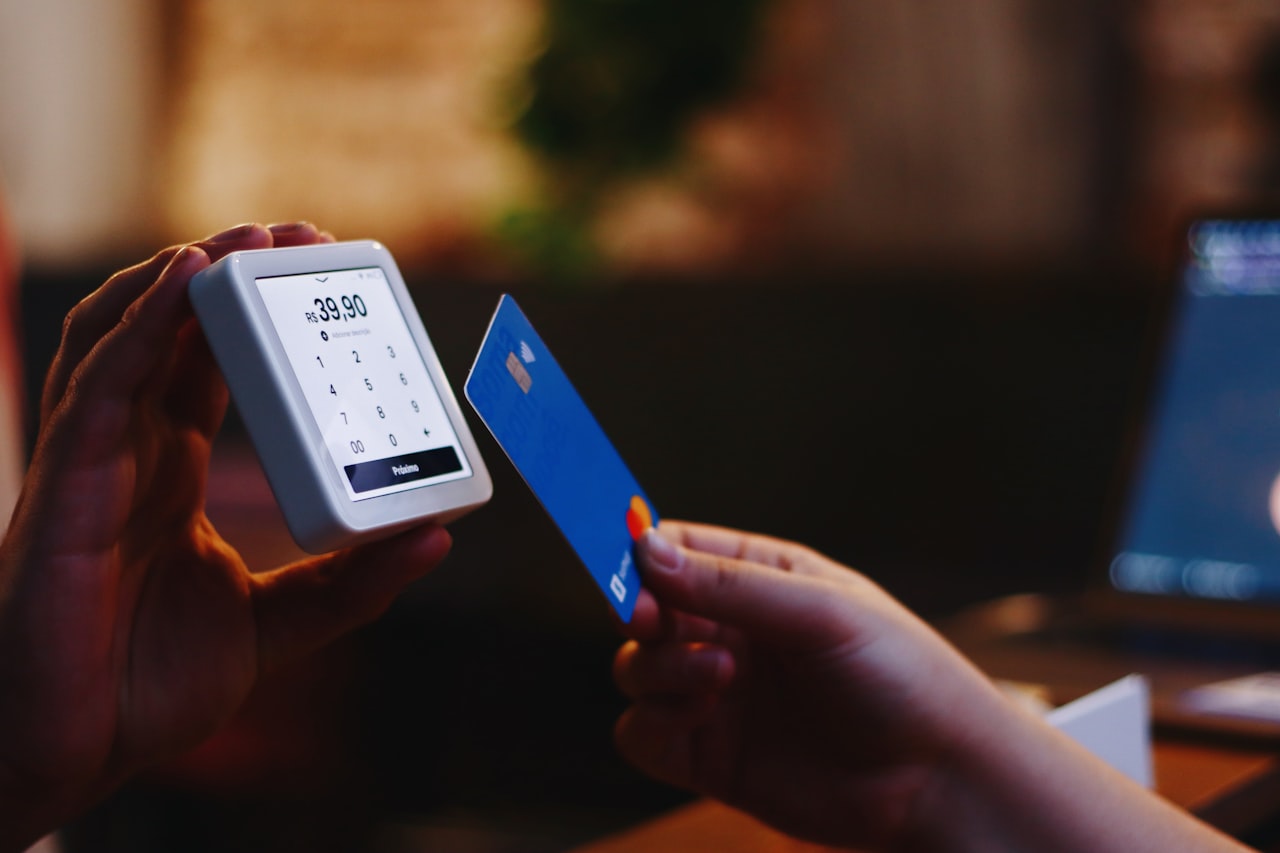
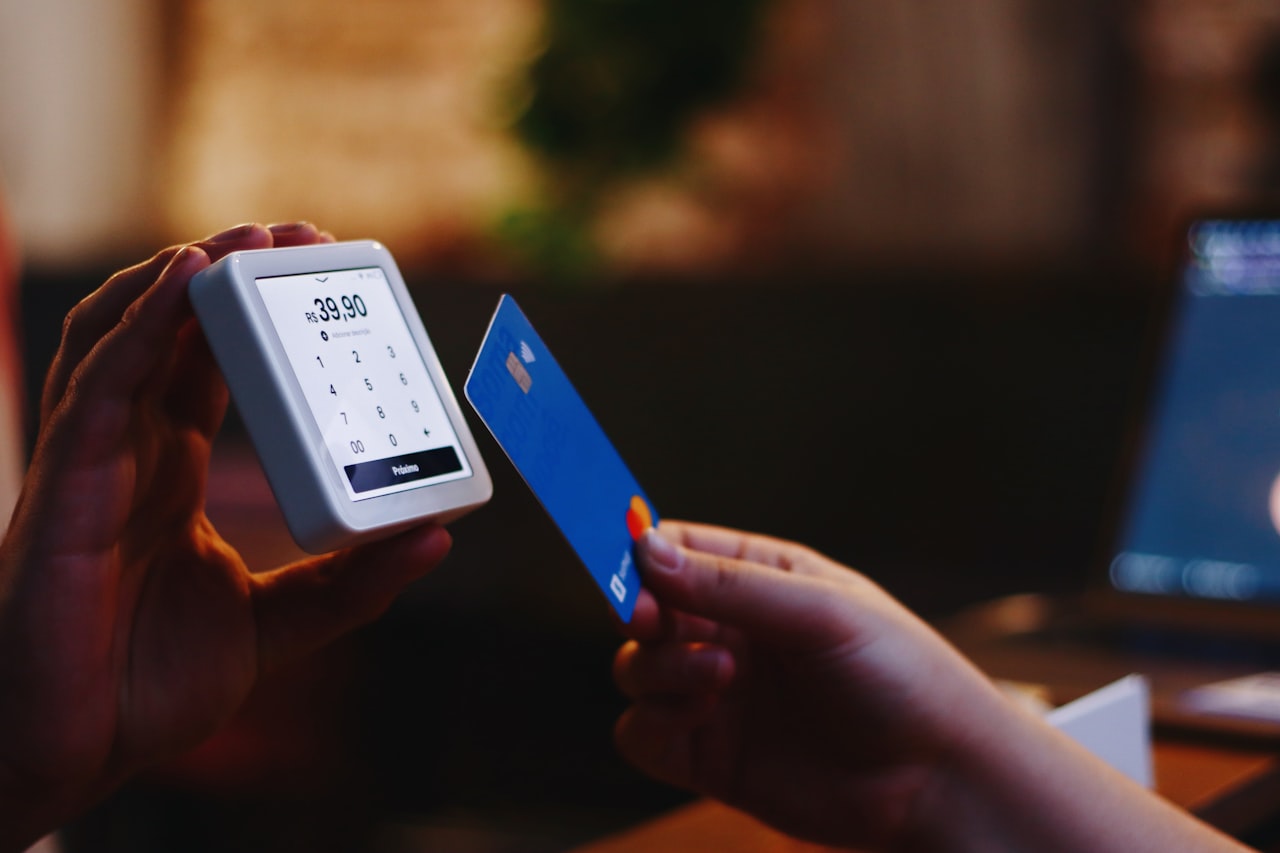 Nothing is more frustrating than paying for a top-up and watching the transaction fail. Whether you are recharging a mobile phone, loading gaming credits, or adding funds to a digital wallet, failed top-ups happen more often than most platforms admit. The good news is that nearly every failed top-up has a clear cause and a recoverable solution. This guide walks through every common failure scenario, shows you how to diagnose the exact problem, and explains the refund process step by step so you can get your money back or complete the top-up successfully.
Why Top-Up Transactions Fail
Top-up failures fall into five main categories, each with different root causes and resolution paths. Understanding which category your failure belongs to dramatically speeds up the troubleshooting process.
Payment-side failures happen before the top-up provider even receives your request. Your bank or payment processor blocks the transaction due to insufficient funds, fraud detection triggers, expired card details, or international transaction restrictions. These failures typically show error messages like "payment declined," "transaction not authorized," or "card verification failed."
PIN or code entry errors occur when you have a valid top-up code but enter it incorrectly. Mistyped characters, extra spaces, using the wrong character case, or entering a code that has already been redeemed all produce errors at the redemption stage. The code itself is valid, but the system cannot process it as entered.
Platform-side processing failures happen after payment succeeds but before the top-up credits appear in your account. Server outages, maintenance windows, processing queue backlogs, and API communication errors between the payment gateway and the top-up provider all cause this type of failure. Your payment has been charged, but the credits have not been delivered.
Region or compatibility mismatches occur when the top-up code or payment method does not match the target account's region, currency, or platform requirements. A US-denominated Google Play code cannot top up a Japan-region Google account, and a Razer Gold PIN in Malaysian Ringgit cannot credit a USD Razer Gold wallet.
Account-level restrictions prevent specific accounts from receiving top-ups. Suspended accounts, accounts under fraud review, accounts that have reached daily or monthly top-up limits, and newly created accounts with initial restrictions can all reject incoming top-ups even when the payment and code are both valid.
Step-by-Step Diagnostic Process
When a top-up fails, follow this systematic process to identify and resolve the issue quickly.
First, check your payment status. Log into your bank account, PayPal, or payment provider and verify whether the payment was actually charged. If no charge appears, the failure occurred before payment processing, and you should focus on fixing your payment method. If a charge does appear but credits were not received, you have a delivery failure that requires contacting the top-up provider.
Second, verify the top-up code if you used a PIN or voucher. Confirm you entered the code exactly as printed, without extra spaces or character substitutions. Common mistakes include confusing the letter O with zero, the letter I with the number 1, and the letter B with the number 8. Many platforms provide a code verification tool that checks validity without redeeming the code.
Third, confirm the regional and currency match. Check that your top-up code currency matches your account currency and region. This information is usually printed on the code receipt or visible in your purchase confirmation email. If you purchased from a gift card exchange platform, check the listing details for the code's region and denomination.
Fourth, review your account status. Log into the target platform and check for any notifications about account restrictions, pending verifications, or policy violations that might block incoming top-ups. Some platforms require email verification, phone number confirmation, or identity verification before allowing top-ups above certain thresholds.
Fifth, check the platform status. Before assuming the problem is on your end, verify that the top-up provider's systems are operational. Most major platforms maintain status pages that report current outages and degraded performance. Processing delays during high-traffic periods (game launches, holiday sales) can cause top-ups to appear failed when they are actually queued.
Transaction Error Codes and Their Meanings
Different platforms use different error codes, but many share common patterns. Here is a reference table for the most frequently encountered top-up error codes across major platforms:
| Error Code/Message | Likely Cause | Resolution |
|---|---|---|
| "Invalid code" | Mistyped PIN or already redeemed | Re-enter carefully; contact seller if purchased secondhand |
| "Payment declined" | Bank blocked transaction | Call bank to authorize; try different payment method |
| "Region mismatch" | Code currency ≠ account currency | Obtain correct-region code; cannot override |
| "Daily limit reached" | Account top-up cap exceeded | Wait 24 hours or contact support for limit increase |
| "Account restricted" | Fraud review or policy violation | Resolve account issue first; top-up blocked until cleared |
| "Service unavailable" | Platform maintenance or outage | Wait and retry; check platform status page |
| "Processing timeout" | Server overload or API failure | Check if funds were charged; retry after 15-30 minutes |
| "Insufficient balance" | Payment method lacks funds | Add funds to payment method; use alternative |
When you encounter an error not listed here, copy the exact error message and search the platform's help center. Most providers maintain searchable knowledge bases that map specific error codes to resolution steps.
The Refund Process for Failed Top-Ups
Getting a refund for a failed top-up depends on where the failure occurred in the transaction chain. The process differs significantly based on whether you paid directly to the platform or purchased through a third-party reseller.
For direct purchases from official platforms (Google Play, Apple, Steam, Razer Gold), the refund process is usually straightforward. Contact the platform's customer support with your transaction ID, the exact error message received, and proof of payment (bank statement showing the charge). Most platforms process refunds within five to ten business days for failed transactions where payment was collected but credits were not delivered.
For purchases through third-party gift card platforms, the refund process involves additional steps. First, document the failure thoroughly with screenshots of the error message, your account showing no credits received, and the transaction receipt from the platform. Then file a dispute through the trading platform's resolution system. Legitimate platforms like those reviewed in our digital asset exchange comparison offer buyer protection programs that mediate disputes between buyers and sellers.
Chargeback through your bank or credit card should be your last resort, not your first action. Filing a chargeback before attempting resolution through the platform can result in your trading account being suspended. Most platforms require you to exhaust their internal dispute process before accepting chargeback claims as valid.
The typical refund timeline varies by channel:
| Refund Channel | Expected Timeline | Success Rate |
|---|---|---|
| Official platform support | 5–10 business days | 90%+ for genuine failures |
| Third-party platform dispute | 3–7 business days | 80%+ with proper documentation |
| PayPal dispute | 7–14 business days | 85%+ with transaction evidence |
| Credit card chargeback | 30–90 days | 70%+ but may cause account issues |
| Crypto payment | Varies by platform | Lower; depends on platform policy |
Preventing Future Top-Up Failures
Most top-up failures are preventable with basic precautions taken before initiating the transaction.
Always verify the authenticity and validity of top-up codes before purchasing from third-party sellers. Invalid or already-redeemed codes are the single most common cause of top-up failures on resale platforms. Use the platform's code verification tool when available, and only purchase from sellers with verified transaction histories.
Confirm your account region and currency before purchasing any top-up code. This five-second check prevents the most expensive type of failure, where you hold a valid code that simply cannot be redeemed on your account. Region-locked codes cannot be returned to most sellers, leaving you with an unusable product.
Keep your payment methods current. Expired credit cards, closed bank accounts, and PayPal accounts with unresolved disputes all cause preventable payment failures. Update your payment information before attempting a large top-up rather than discovering the issue mid-transaction.
Start with smaller denominations when using a new seller or platform for the first time. A failed $5 top-up is much easier to resolve than a failed $100 top-up. Once you confirm the seller and platform work correctly with your account, you can confidently purchase larger amounts.
Watch for scam patterns that disguise themselves as top-up services. Fraudulent top-up providers collect payment but never deliver credits, and their "customer support" channels lead nowhere. Stick to established platforms with verifiable track records and public dispute resolution processes.
Platform-Specific Troubleshooting Tips
Each major platform has its own quirks when it comes to top-up processing and failure resolution.
Google Play top-ups sometimes show a delay of up to four hours before credits appear, even when the transaction completes successfully. Before filing a support ticket, wait at least four hours and check your balance multiple times. Google Play also requires the redeeming account to be in the same country as the gift card's designated region.
Steam Wallet top-ups through gift cards require the card to match the Steam account's currency. Steam does not convert currencies automatically. If your account is in USD and you attempt to redeem a EUR gift card, the redemption fails silently without a clear error message. The transaction simply does not process.
Apple ID top-ups through third-party cards require the card to be purchased from a retailer in the same country as your Apple ID region. Apple's verification system checks the card's origin retailer, not just the currency denomination. Cards purchased from international retailers may fail even if the face value currency appears correct.
Mobile carrier top-ups through prepaid PINs occasionally fail when the carrier's prepaid system is undergoing maintenance. Carrier maintenance windows typically occur between midnight and 4 AM local time. If a carrier top-up fails during these hours, retry in the morning before contacting support.
Frequently Asked Questions
My payment was charged but I did not receive the top-up credits. What should I do?
Wait thirty minutes to rule out processing delays, then check the platform status page for outages. If the platform is operational and credits still have not appeared, contact customer support with your transaction ID and payment proof. Most platforms resolve payment-charged-but-not-delivered issues within forty-eight hours.
Can I get a refund for a top-up code that does not work on my account due to region mismatch?
It depends on where you purchased the code. Official retailers generally do not refund activated digital codes. Third-party trading platforms with buyer protection programs may offer refunds if you can prove the listing did not clearly state the code's region. Always confirm region compatibility before purchasing.
How do I know if a top-up code has already been redeemed by someone else?
Most platforms provide a code verification tool that shows the code's status without redeeming it. If the tool shows the code as "already redeemed" or "invalid," and you purchased it from a third-party seller, file a dispute immediately through the trading platform. Provide screenshots of the verification result as evidence.
Why does my bank keep blocking top-up transactions?
Banks flag transactions to gaming and digital currency platforms as potentially fraudulent, especially for first-time purchases or international transactions. Call your bank's fraud department and authorize the specific merchant. Some banks allow you to whitelist merchants through their mobile app to prevent future blocks.
Is it safe to use a VPN when topping up a gaming account?
Using a VPN can trigger additional security checks and may cause the top-up to fail. Many platforms detect VPN usage and block transactions as a fraud prevention measure. For the most reliable experience, disable VPN connections before initiating top-up transactions and ensure your apparent location matches your account region.
How long should I wait before requesting a refund for a failed top-up?
Wait at least one hour for standard platforms and up to four hours for Google Play specifically. If credits have not appeared after this window, check the platform status page. If no outage is reported, proceed with contacting support. Filing for a refund too quickly may result in your request being denied with instructions to "please wait for processing."
Ready to Trade Gift Cards?
Join thousands of users who trust Inwish for safe and convenient gift card trading.
Related Articles
February 23, 2026
How to Convert Home Depot Gift Cards to Cash or Crypto on Digital Exchanges (2026)

February 23, 2026
Google Play Gift Card Region Locks: Cross-Border Trading Rules and Workarounds (2026)

February 22, 2026
How to Save on Foot Locker Sneaker Drops Using Discounted Gift Cards (2026)

February 21, 2026
eBay Gift Card Balance Check: How to Verify, Troubleshoot, and Prepare Cards for Trading (2026)
February 21, 2026
Your First Gift Card Trade on a Digital Asset Exchange: Step-by-Step Walkthrough (2026)

February 21, 2026